
Most aspiring and even established authors in Ghana have probably heard the advice: “Just put your manuscript in Canva, it’s free and easy!” Truth be told, Canva is fantastic for a lot of things, especially covers and visual books.
But when it comes to properly formatting a book for professional print (especially a novel, memoir, nonfiction, or anything text-heavy), it’s just not the right tool.
Why is that? Let’s look at how the platform actually works and what print-ready files require.
What Canva Does Well for Authors
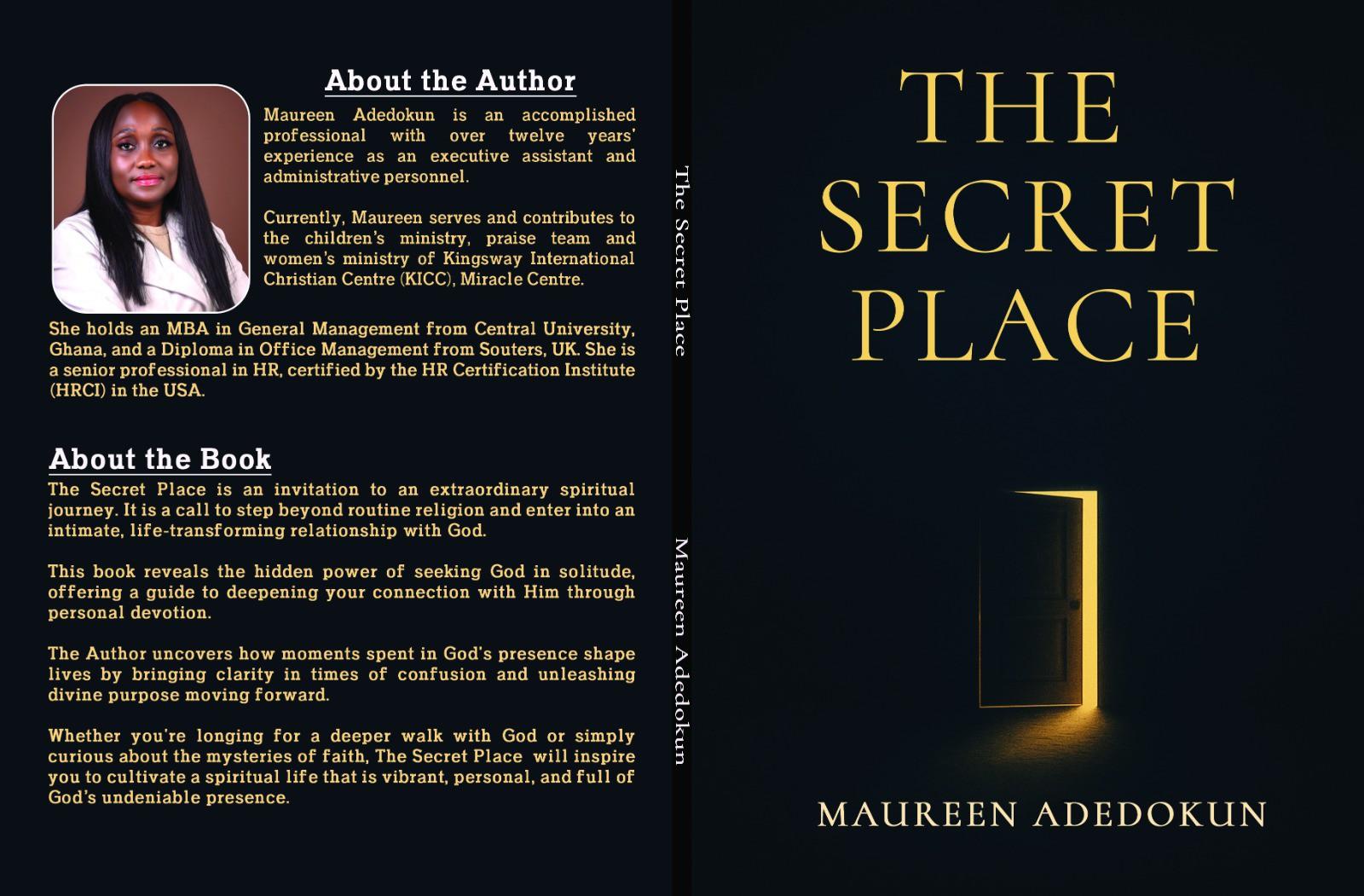
Canva shines at visual design. Book covers? Excellent platform with plenty of templates, easy custom sizing, and solid PDF Print exports at 300 DPI (when you choose the right settings).
Want to create marketing materials, social graphics, simple illustrated children’s books, journals, workbooks, or short photo-style books? It’s solid software and often good enough.
Many authors successfully design covers in Canva and send the PDF to printers or platforms like Amazon KDP.
You can also create multi-page designs and export a PDF Print file (with crop marks and bleed options on paid plans). Some people even assemble short visual books this way. So yes, you “can” design something book-like in Canva and take it to a printer.
Why Canva Falls Short for Professional Book Formatting
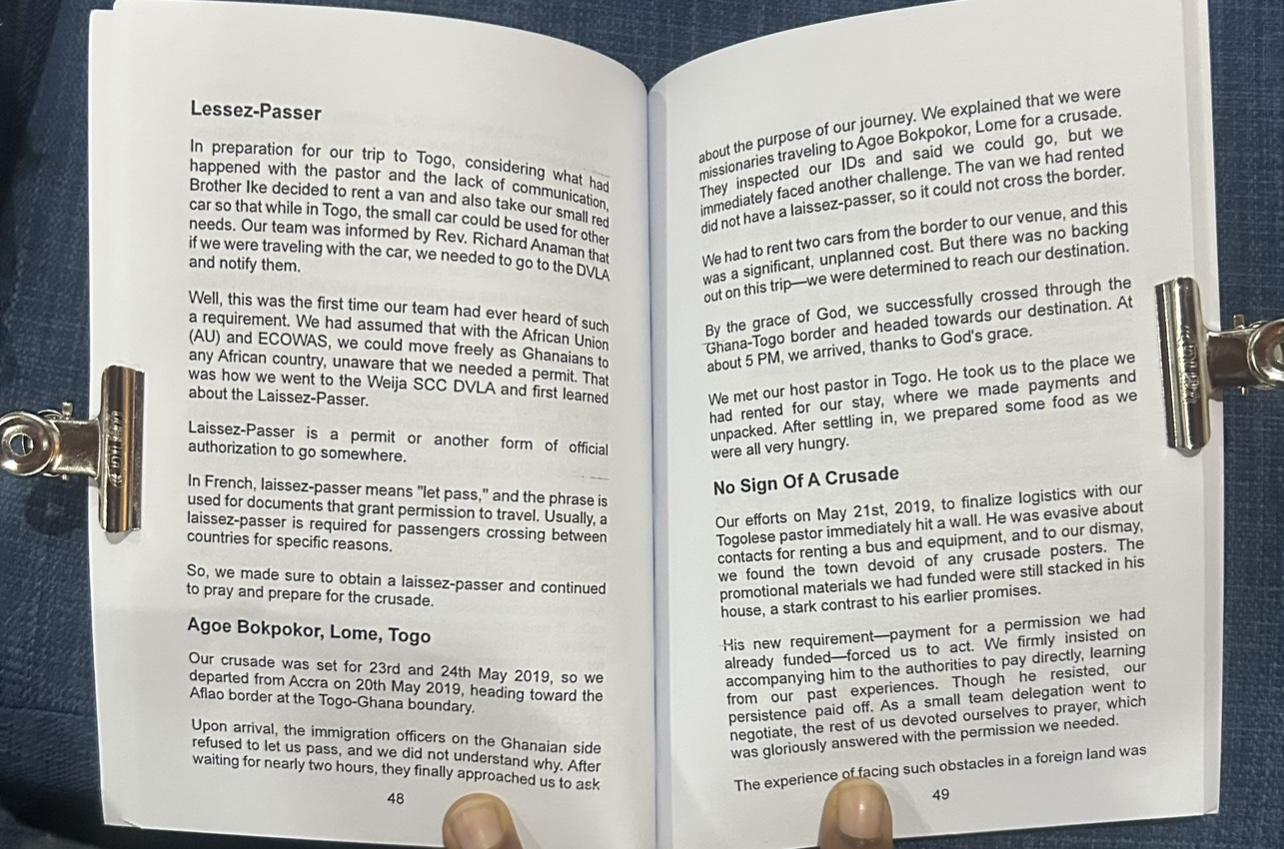
Professional book interiors need more than pretty pages. They require consistent typography and proper margins. While at it, you will also want mirrored left/right pages, automatic or reliable page numbering, running headers, control over widows and orphans. See the problem now?
Canva treats every page as an independent canvas. Text does not reflow from one page to the next the way it does in Word, Adobe InDesign, or any other dedicated book layout software.
The main technical limitations include:
#1. Margins, Gutters and Binding Reality
Books do not fold flat like flyers. They bind along an inside edge called the spine. To prevent text from disappearing into the crease, book designers set a “gutter margin” (extra spacing added strictly to the inside edges of facing pages).
Canva’s default margins are fixed and not book-aware. There is no automatic mirrored-margin mode that gives the inside edge extra space for binding. You have to set guides by hand on every page (or carefully duplicate masters) and recheck them if the page count changes.
If you try to shift your text manually across a hundred pages, you will end up with misaligned text, uneven margins, and words swallowed by the spine once printed.
Printers typically want at least 0.25–0.5+ inches from the trim edge and a larger gutter depending on thickness and binding style. So yes, margins and gutters are a big deal.
#2. Typography, Widows, orphans and layout control
Professional book typography follows strict structural rules. You never want a single line of a paragraph stranded at the top of a page (an orphan) or the bottom (a widow).
Professional typesetting tools handle tracking, kerning, and widow/orphan control automatically to keep your text block balanced. This is a huge sanity and time-saver.
But Canva lacks these typographic controls. Your text blocks will look inconsistent, giving your printed book a clumsy, amateur feel.
#3. Page Numbers, Headers and Facing Pages
Professional layout software automatically tracks page numbers, running headers, and section breaks. If you add a paragraph on page 12 in software built for books, everything flows naturally to page 13, and the page numbers stay intact.
Dynamic page numbering exists in newer versions. Still, it’s still not as reliable as in dedicated layout software, so, many users still end up placing numbers manually, as that’s just easier.
Even worse, left/right page awareness is weak because Canva does not natively show facing-page spreads the way print books appear.
#4. Color Profiles and Print Export Limitations
Designs start in RGB (screen colors). CMYK export (needed for accurate print) is limited to paid plans, and the conversion uses a generic profile that can still shift colors.
While PDF Print is the correct choice for quality (300 DPI, vectors preserved for text/shapes), source images must already be high-resolution. See the issue? Canva cannot magically fix low-res photos.
Some commercial printers have flagged issues with embedded color profiles from Canva exports.
#5. Weak Path for Reflowable Ebook
A fixed-layout PDF is fine for print, but reflowable EPUB (the standard for most e-readers) is not a native strength.
In short, Canva is a graphic design tool, not desktop publishing software built for long documents. Using it for a full novel interior often produces files that look fine on screen but cause headaches at the printer.
Can You Actually Print Books from Canva?
Sure, you can design in Canva, export a high-quality PDF print file, and take that to a print-on-demand service or local printer.
Canva’s own print service offers various products (including some photo books and booklets) in supported regions, but it does not function as a full novel/POD book printer in the way Crows Publishing or Amazon KDP do.
Importantly, Canva Print shipping regions focus on North America, Europe/UK, parts of Asia, and Central/South America. Ghana and most of Africa are not listed among the primary destinations.
For Ghanaian authors, relying on international POD alone creates shipping delays, high costs for local sales, and currency/logistics friction. That is where local print-on-demand becomes essential.
Why Local Print on Demand Matters for Authors Looking to Print in Ghana
Ghanaian authors need affordable short runs, fast local turnaround, ownership of their files and copyright, and the ability to test the market without warehousing thousands of copies.
Traditional offset printing often demands high minimums, while global platforms like Amazon Kindle do help with international sales but struggle with last-mile delivery and pricing inside Ghana.
This is exactly the gap Crows Publishing fills in Accra. We handle the heavy technical lifting so you can focus on being an author.
What You Get With Crows Publishing Print on Demand
We specialize in taking raw manuscripts and turning them into beautifully formatted, retail-ready books. Here is how we bring your book to life:
- Professional Typesetting: We use industry-standard publishing software to build custom grid layouts, balanced margins, readable typography, and clean gutters.
- Flawless Cover Design: We calculate your exact spine width based on paper choice and generate print-ready cover files with accurate bleed setups.
- Print on Demand Setup: Whether you need a short initial run of 100 copies for a local launch in Accra or wide digital distribution, we prepare files that print crisp every single time
Next Step
Your writing deserves a presentation that matches its quality. Leave Canva for your social media promo, and let experts handle your manuscript.
Ready to get your book into readers’ hands without pulling out your edges in frustration? Contact us now, let’s get you a custom quote for your book.